
Hogwarts Welcomes Baby Magical Announcement Digital Canva Template – Editable Canva Template, Pregnancy Announcement, Movie Theme
$3.50 $7.00
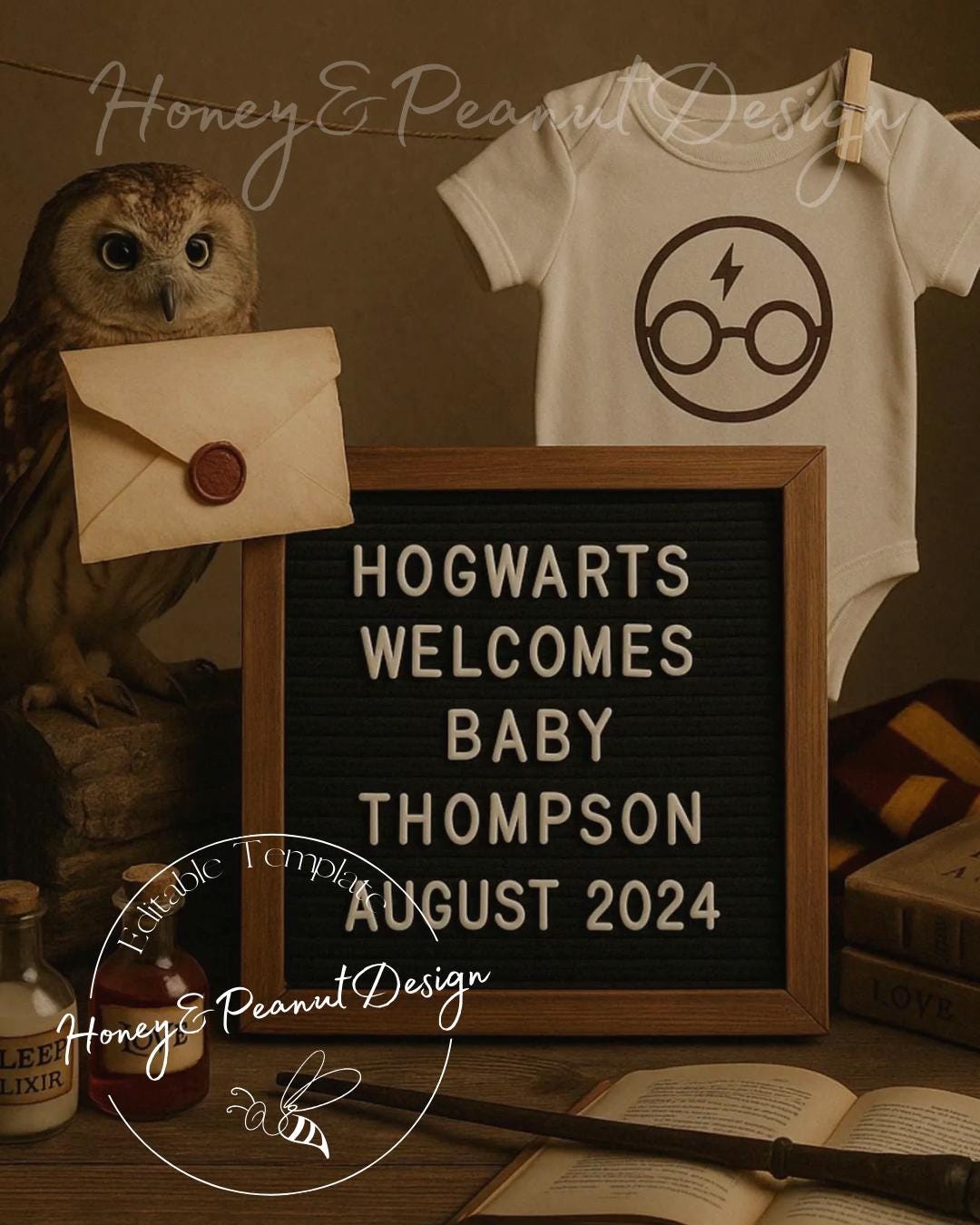
🧙♂️ Hogwarts Welcomes Baby – Magical Digital Pregnancy Announcement Template 🧙♀️
“A new wizard is on the way…”
Calling all muggles, wizards, and magical families! Announce your growing family in the most spellbinding way with this Harry Potter-inspired digital pregnancy announcement. Featuring classic wizarding details like an owl with a Hogwarts letter, a baby onesie with magical glasses and lightning bolt, and a custom message board—this template is pure magic for fans of the Wizarding World.
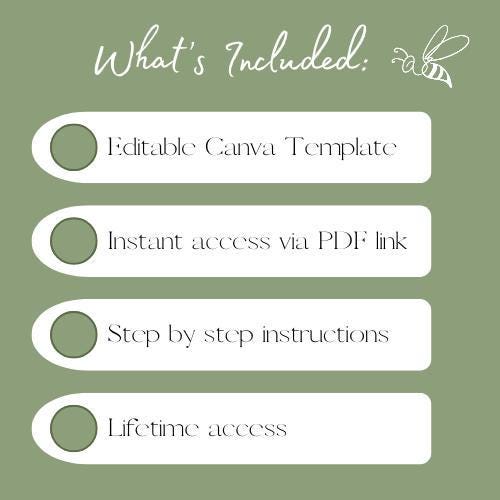
✨ WHAT’S INCLUDED:
-1 Editable Canva Template –Expecting a Blockbuster
-Instant digital access via Canva link after purchase
-Step-by-step instructions on how to personalize and download your design
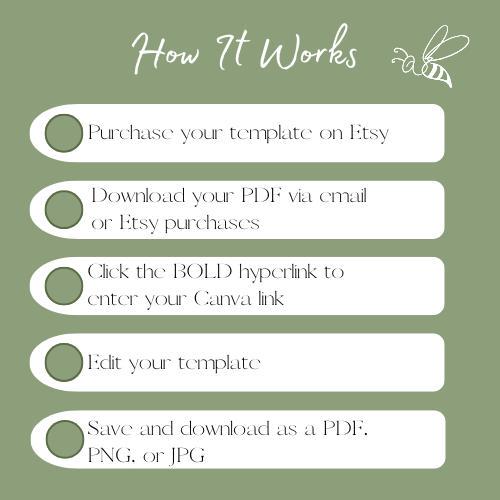
🖌️ HOW IT WORKS:
-Purchase the listing
-Receive a PDF with your Canva link & editing instructions
-Open the link and customize the text (name, due date, etc.)
-Download and share your unique announcement digitally or print it out!
💡 FEATURES:
-Easy-to-edit with free Canva account – no design skills needed!
-Mobile and desktop friendly
-Download as JPG, PNG, or PDF
-Perfect for Instagram, Facebook, texts, or emails!
📌 PLEASE NOTE:
*This is a digital product. No physical item will be shipped*
Template is for personal use only and may not be resold or redistributed.
📥 INSTANT DOWNLOAD: Once your payment is confirmed, you’ll get immediate access to your Canva link via Etsy. Start editing your announcement in just minutes!
Whether you're announcing to fellow Potterheads or just love a little magic, this design is sure to charm everyone who sees it. A perfect blend of whimsy and warmth—welcome your little spell-caster in style! ✉️⚡🦉
With love,
The Honey&Peanut Team
Digital downloads
Your files will be available to download once payment is confirmed.
Frequently Asked Questions
Are these templates editable?
Yes! All of our designs are fully editable in Canva.
Do I need a Canva Pro subscription?
No, you only need a free Canva account to edit these templates.
How do I access my templates after purchase?
Once your order is complete, Etsy will send you a PDF file. Inside the PDF, you’ll find step-by-step instructions on how to edit your template. The title of your purchase is written in bold font and contains a direct hyperlink to your Canva template. Simply click the link, log in to Canva, and start customizing.
Can I change the size of the template?
Most templates are set to standard sizes, but you can resize them in Canva if you have a Canva Pro account. If you need a specific size, let me know and I’ll see what I can do.
Custom and personalized orders
You can print at home, at a local print shop, or use an online printing service. Canva also offers printing options directly.
Can you customize the design for me?
Yes! If you’d prefer me to personalize the design, please message me before purchasing so we can discuss options.
Will I receive a physical product?
No, this is a digital product only. Nothing will be shipped
Can I download the file as PDF, JPG, or PNG?
Yes, Canva allows you to download in multiple formats including PDF, JPG, and PNG.
Do you offer refunds?
Due to the digital nature of this product, refunds and cancellations are not available. Please reach out if you have issues accessing your files.
Can I use this design for commercial purposes?
No, these templates are for personal use only. You may not resell, share, or redistribute the files.